Widget gallery
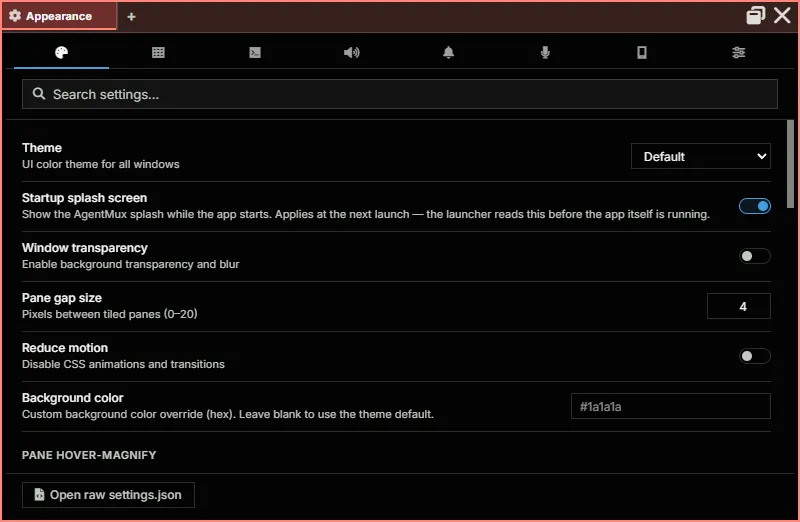
Each widget as it looks the first time it opens in a new install: a pane of its own in an 800×600 window, with no agents, accounts, history or content yet. They show what each widget is and where things are; widgets in daily use are fuller. For what each one does, see Pane Types. To add widgets of your own, see Your own widgets.
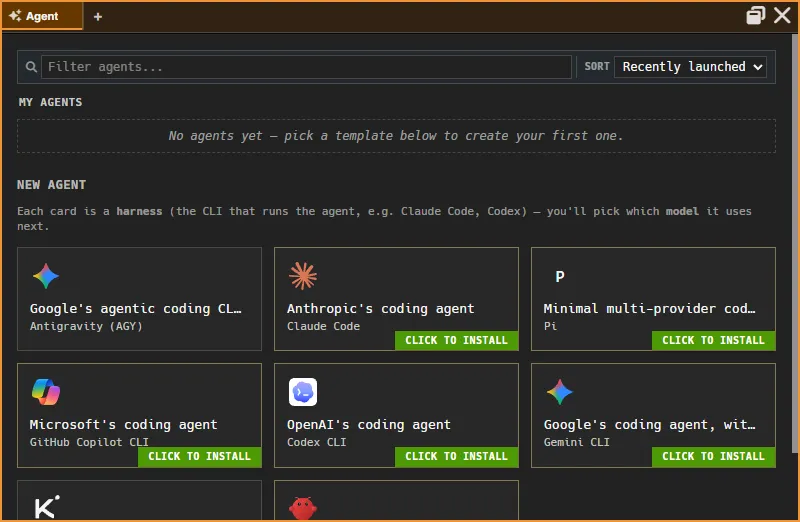
Start and resume agents. My Agents lists yours; New Agent offers the harnesses you can start one with (Claude Code, Codex, Gemini and others), installing any that are missing.
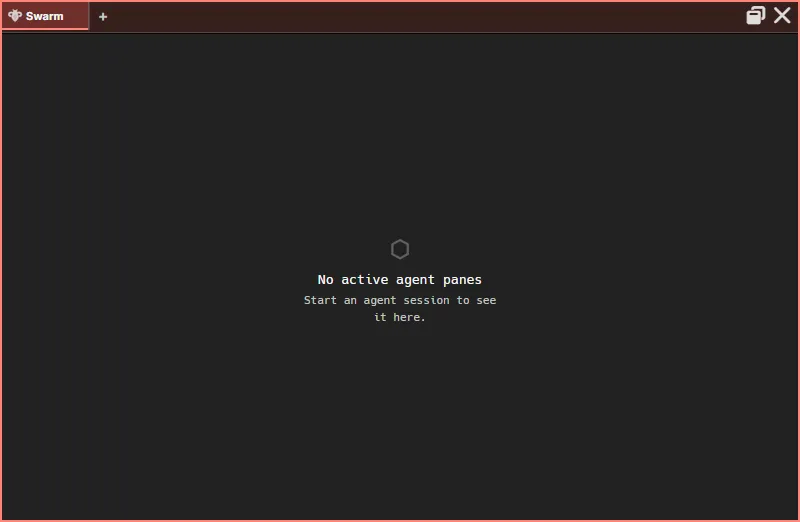
A live tree of your agent panes with their subagents, todos and background commands. Empty until an agent is running. See Swarm.
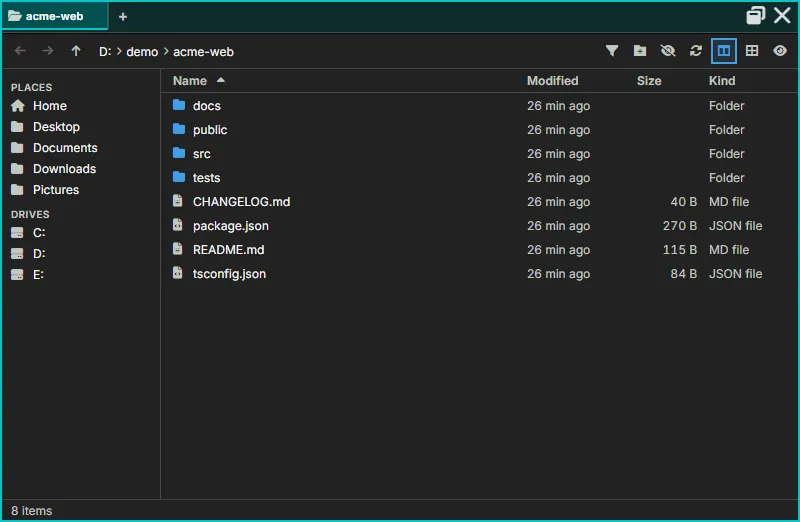
Hangar
Section titled “Hangar”A file browser with places, drives, sorting, previews and drag and drop. Here it shows a small demo project.
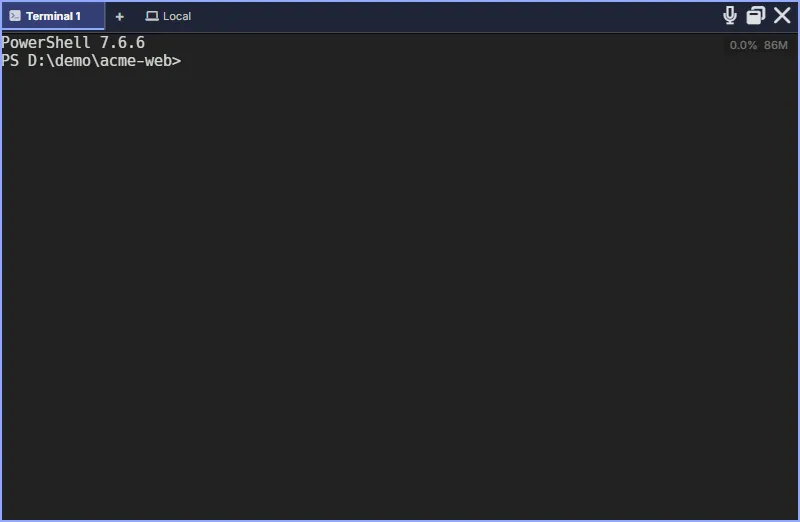
Terminal
Section titled “Terminal”A full terminal with a real shell. The chip beside the tab shows where it runs; switch it to an SSH host from there.
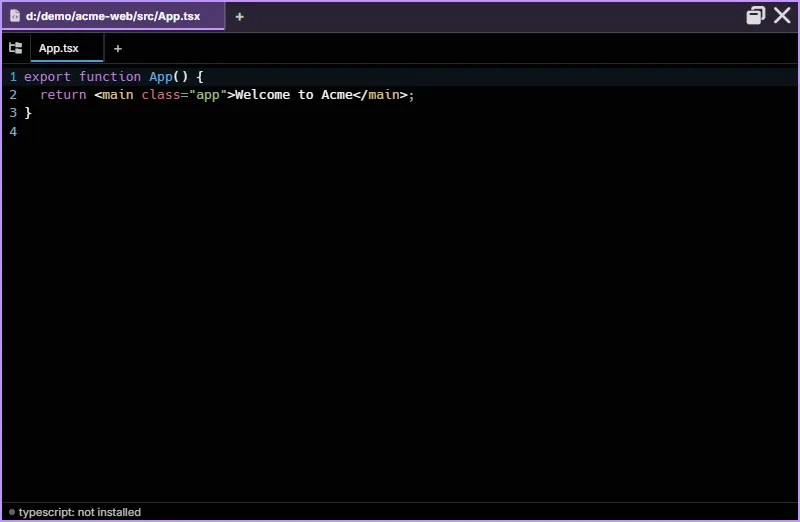
Editor
Section titled “Editor”A code editor with syntax highlighting, document tabs and language-server diagnostics.
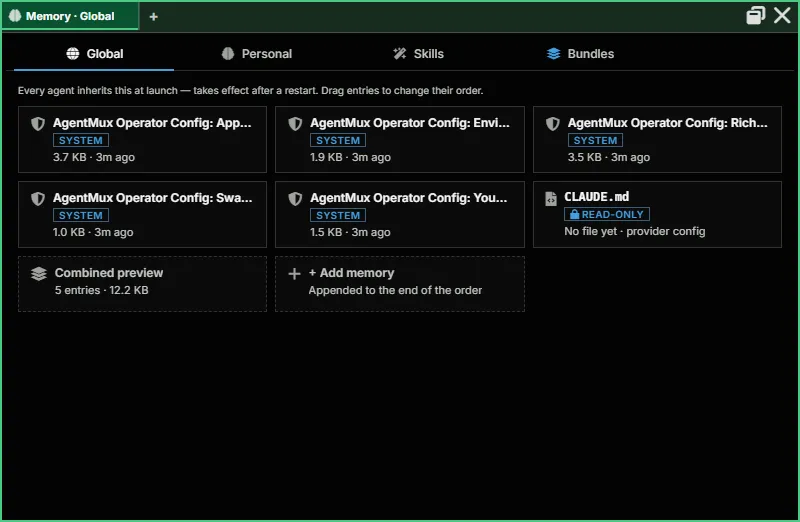
Memory
Section titled “Memory”Global and Personal Memory, Skills and Bundles. A new install has only AgentMux’s own system entries. See Memory.
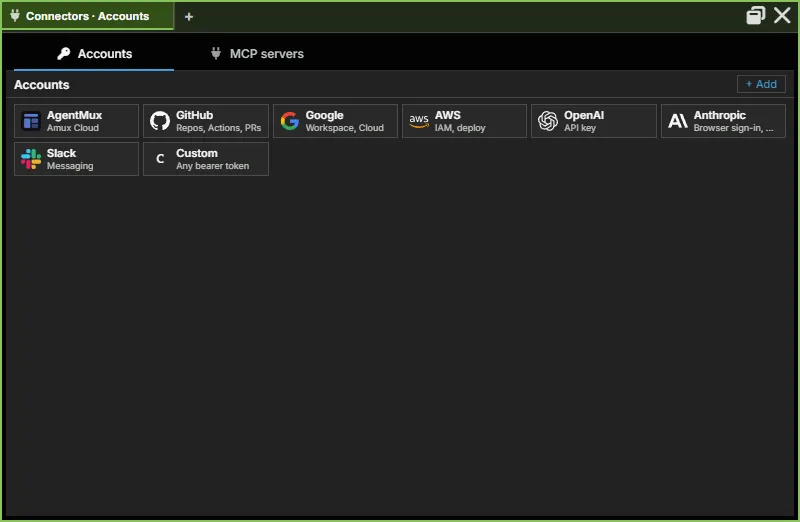
Connectors
Section titled “Connectors”Accounts (sign-ins to providers and services) and MCP servers. Pick a provider to add an account. See Connectors.
Remotes
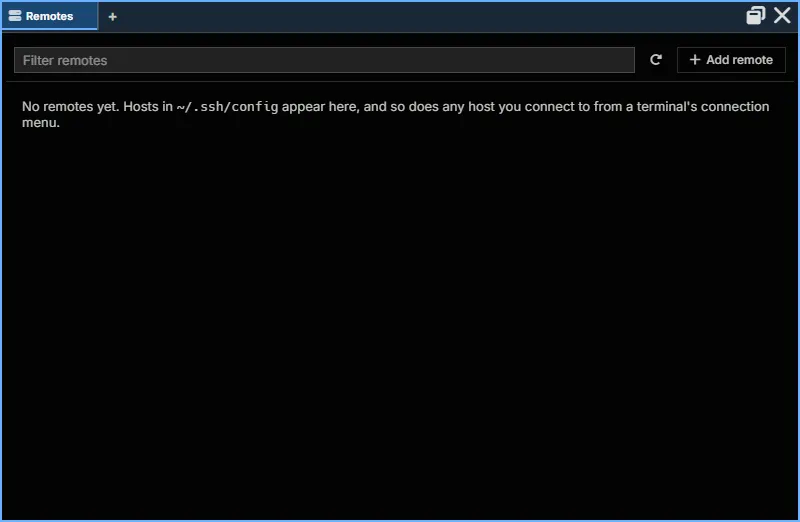
Section titled “Remotes”The SSH hosts AgentMux knows: the hosts in ~/.ssh/config and any you’ve connected to.
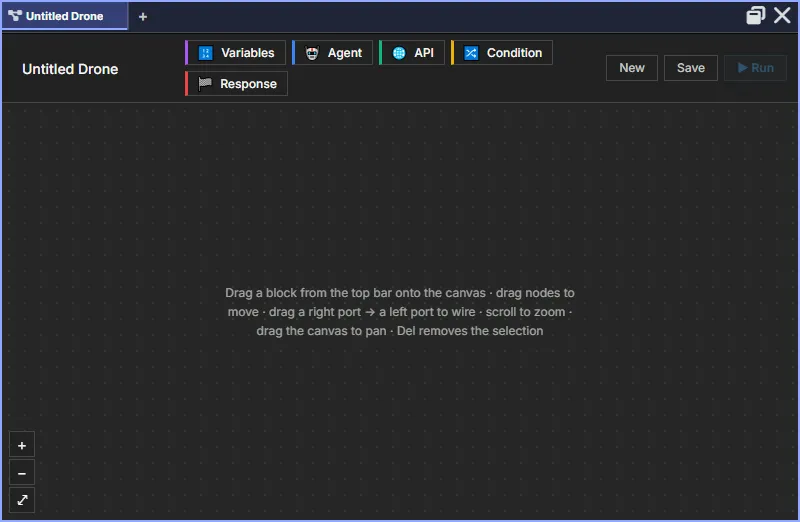
A visual automation builder: drag Variables, Agent, API, Condition and Response blocks onto the canvas and wire them together.
Warden
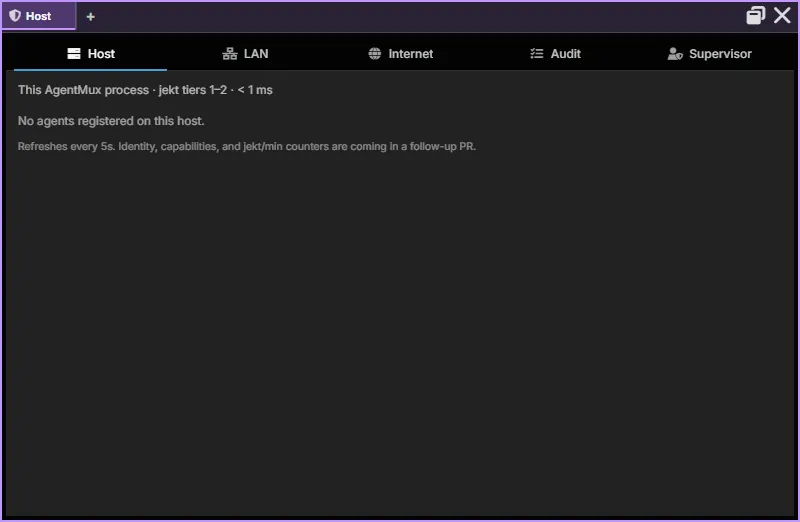
Section titled “Warden”Monitor and control agents on this host, on your LAN and over the internet, with an audit log. See Warden.
Sysinfo
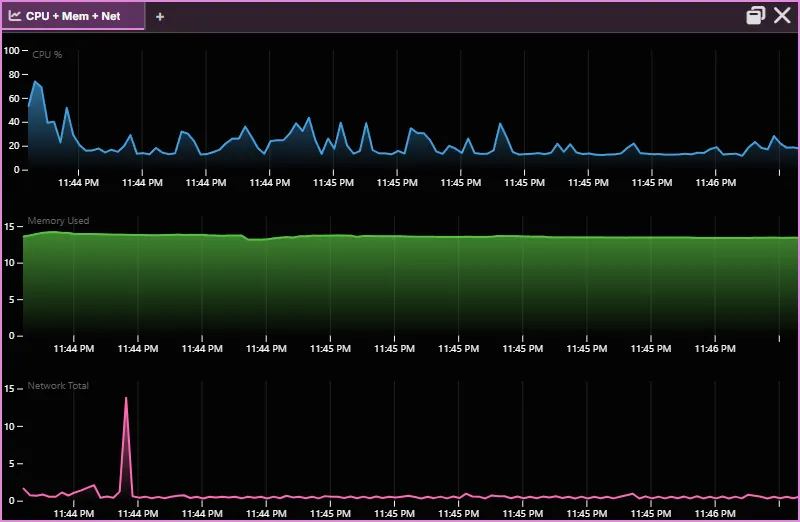
Section titled “Sysinfo”Live graphs of this computer’s CPU, memory and network use; it can also show disk I/O and every CPU core. See Sysinfo.
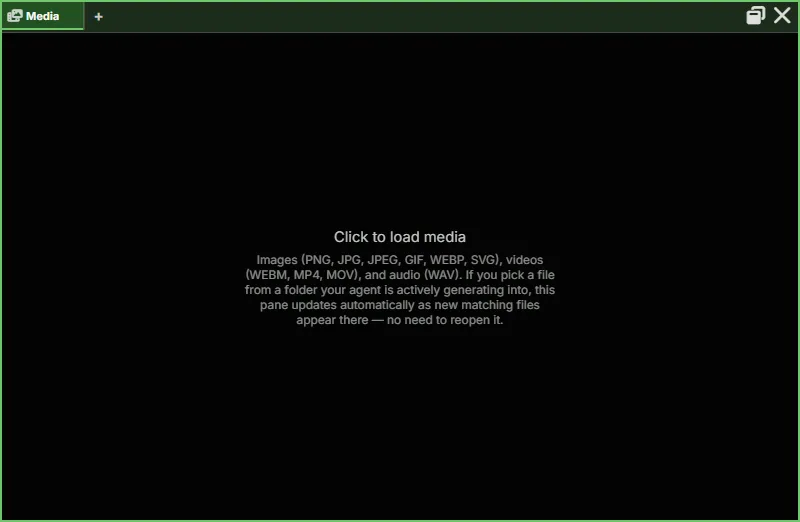
An image, video and audio viewer. Point it at a folder an agent writes into and it updates as new files arrive.
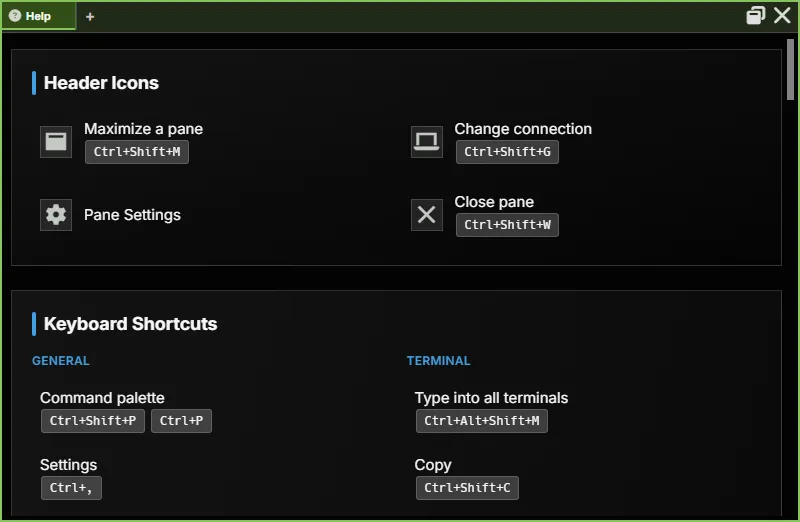
Built-in help: the header icons and every keyboard shortcut.
Settings
Section titled “Settings”Every setting, by section, with search. See Settings.